01
Turn on 2-Step Verification
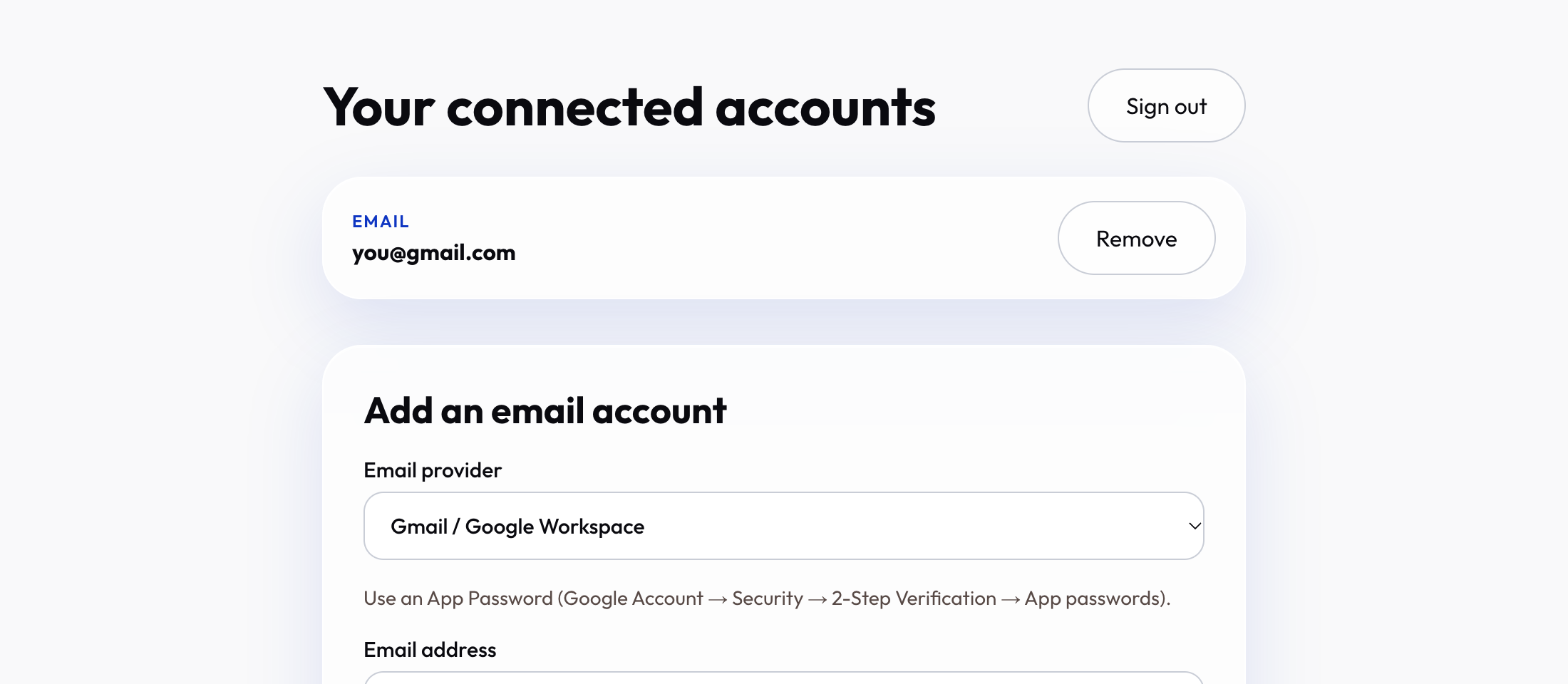
Google only gives app passwords to accounts that have 2-Step Verification. Open your Google Account, go to Security, and switch it on.
Tip: Takes about a minute and also makes your account safer.
02
Create an app password
Search “App passwords” in your Google Account. Name it Weavo and press Create. Google shows 16 letters — copy them.
Tip: You will not see it again, so keep the window open until the next step.
03
Add the account in Weavo
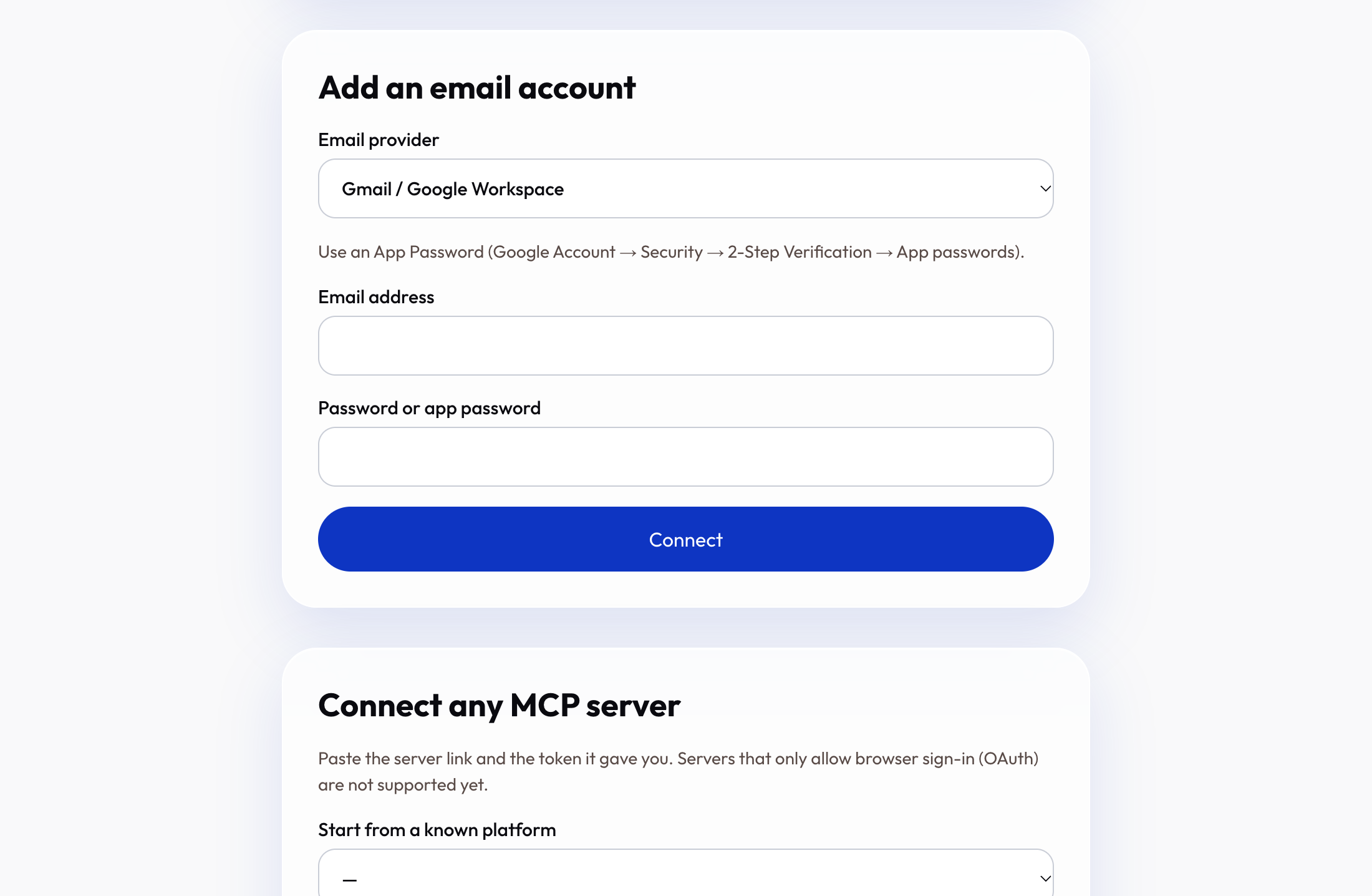
In your dashboard choose Gmail, type your address and paste the app password.
Tip: We check that it works before saving anything.
04
Done — it is locked away safely
Your password is encrypted with a key only your account can open. Add as many Gmail accounts as your plan allows.
Tip: Next: give your AI app its link.