Weavo Pocket · Android
Approve and track your AI from your phone.
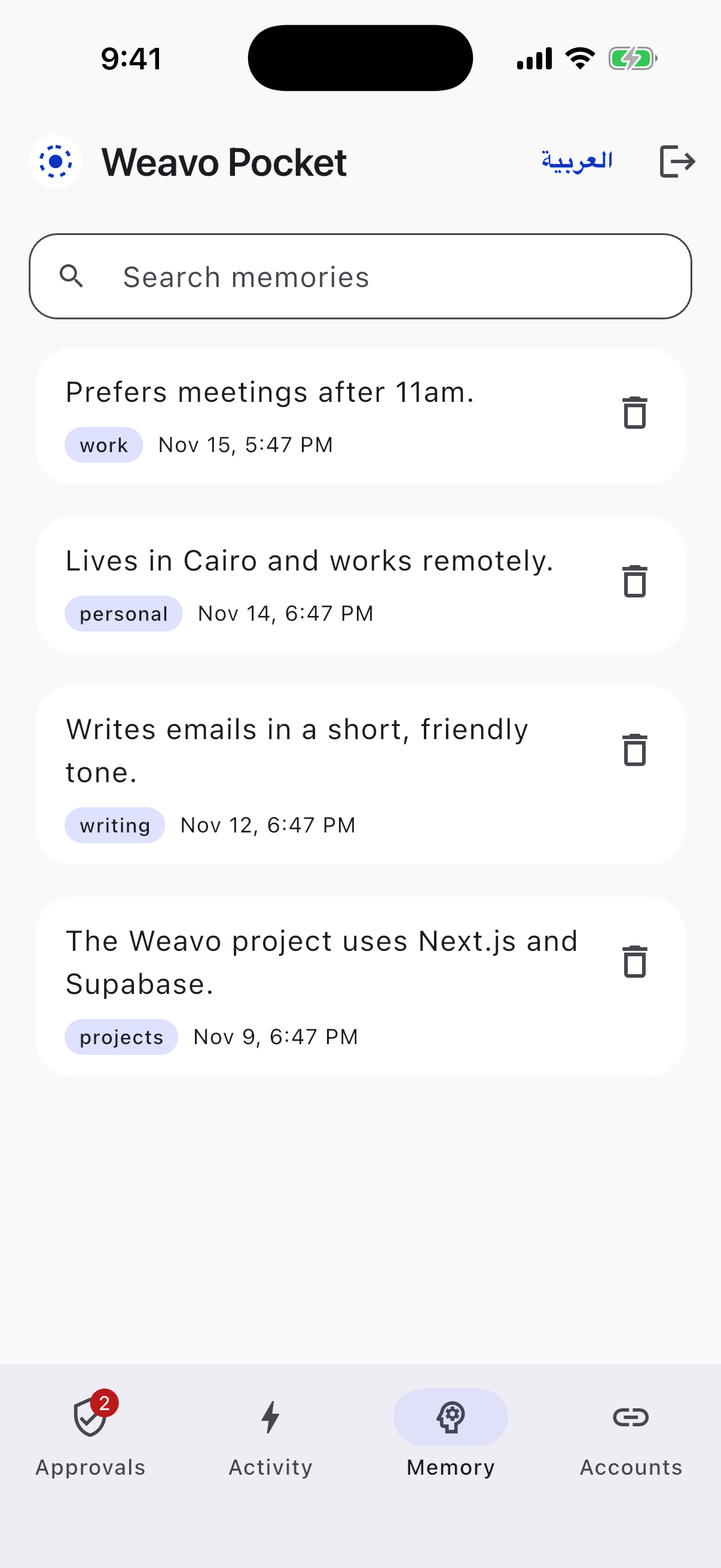
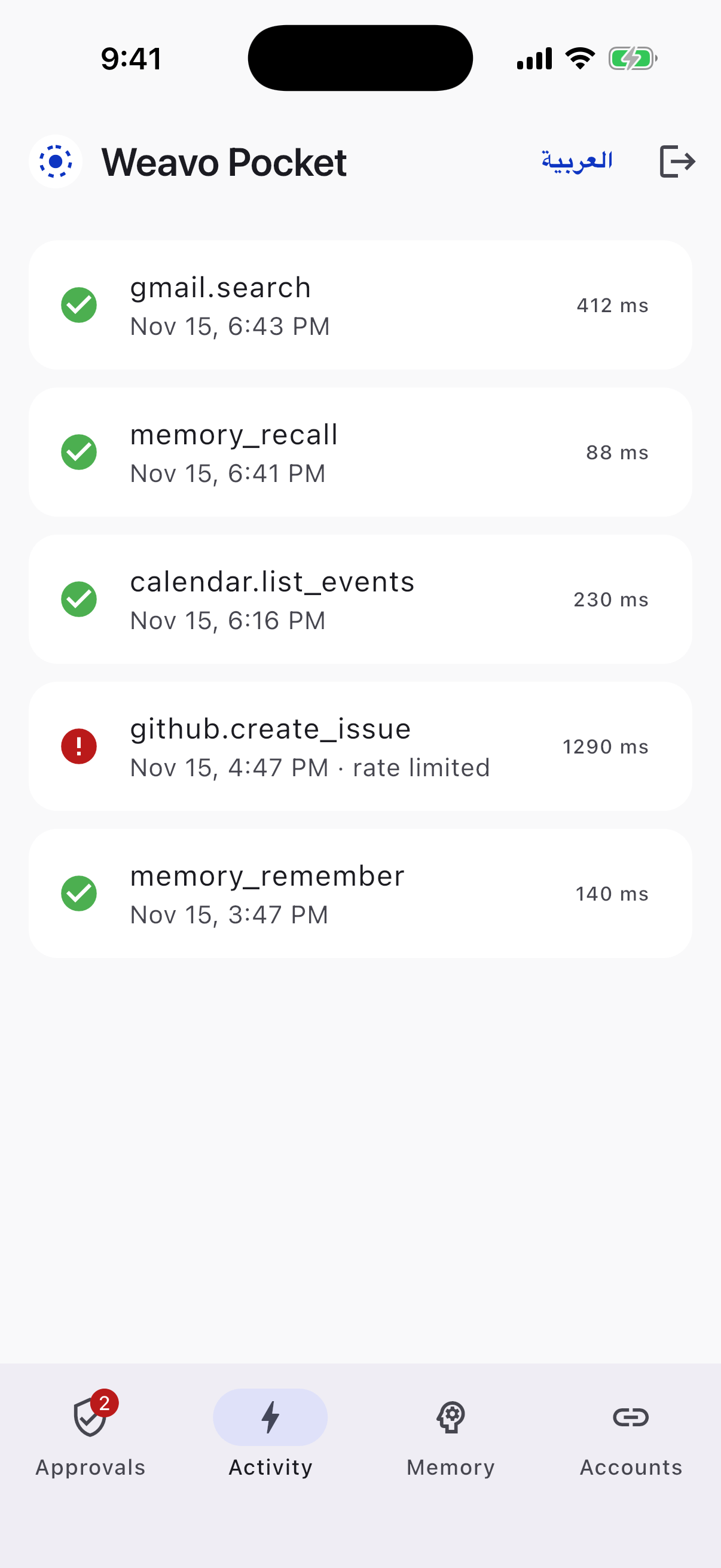
Get a live alert when your AI asks to send or change something, approve it in one tap, search what it remembers, and see every action.
Download for Android (APK)Free · 53 MB
How to install on Android
- 1Tap the download button on your phone.
- 2Open the file. If asked, allow installs from your browser (one time).
- 3Open Weavo Pocket and sign in with your Weavo account.
iPhone: open weavo.cominde.org in Safari and tap Share → Add to Home Screen.
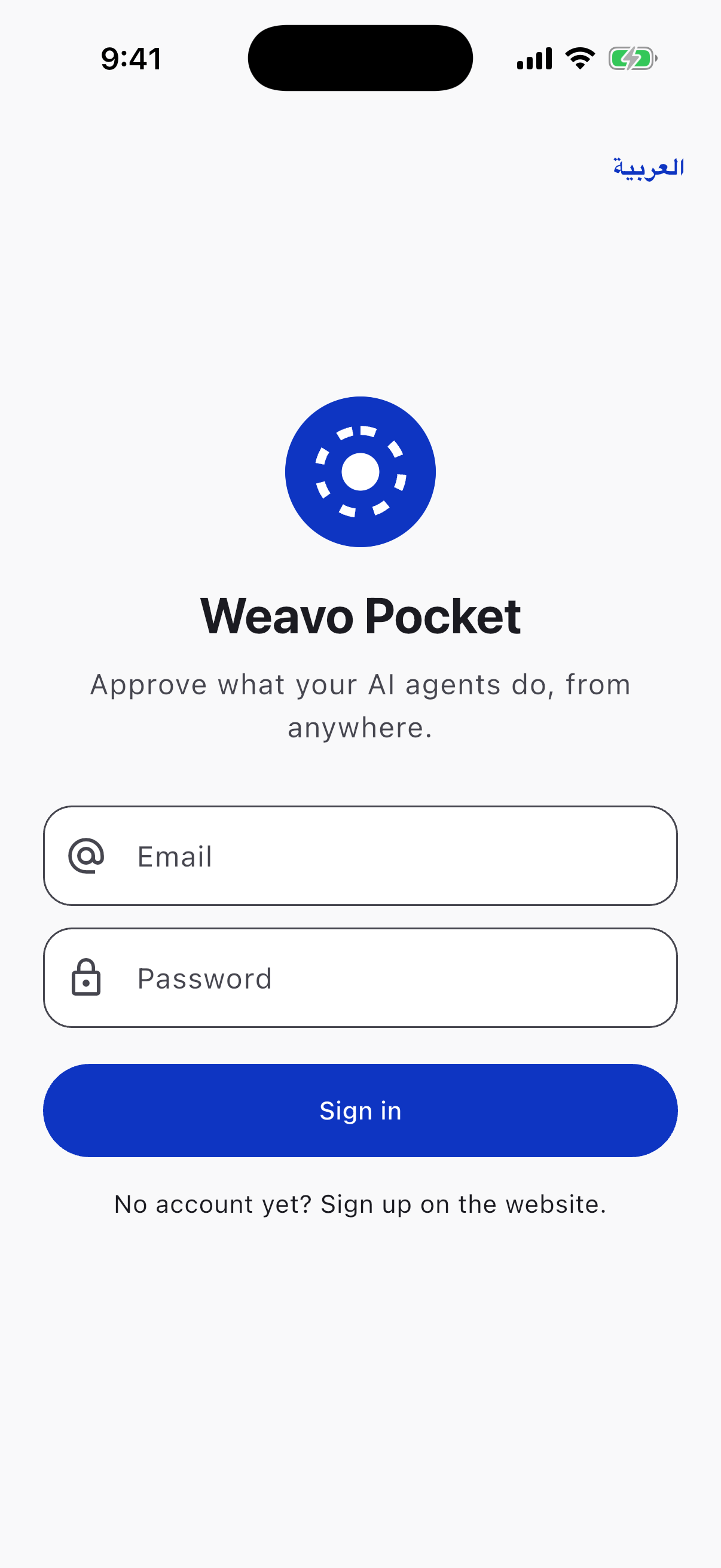
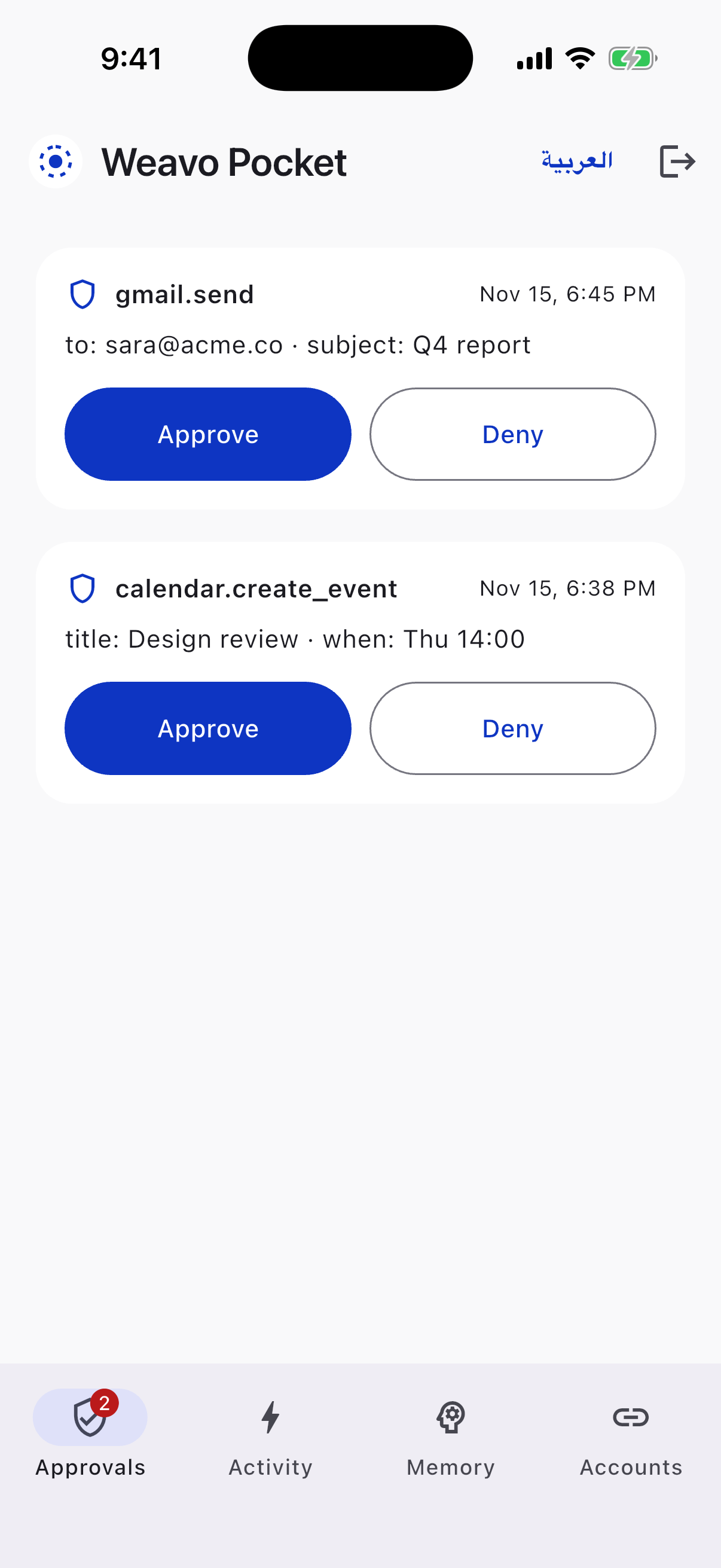
Inside the app
Ready to build a monster agent?
Follow the step-by-step guide and get your full setup running.